
After your order
How to print your artwork
Your star map or moon print arrives as a high-resolution file. Here is how to choose the size and paper, what to ask a print shop for, and how to frame it.
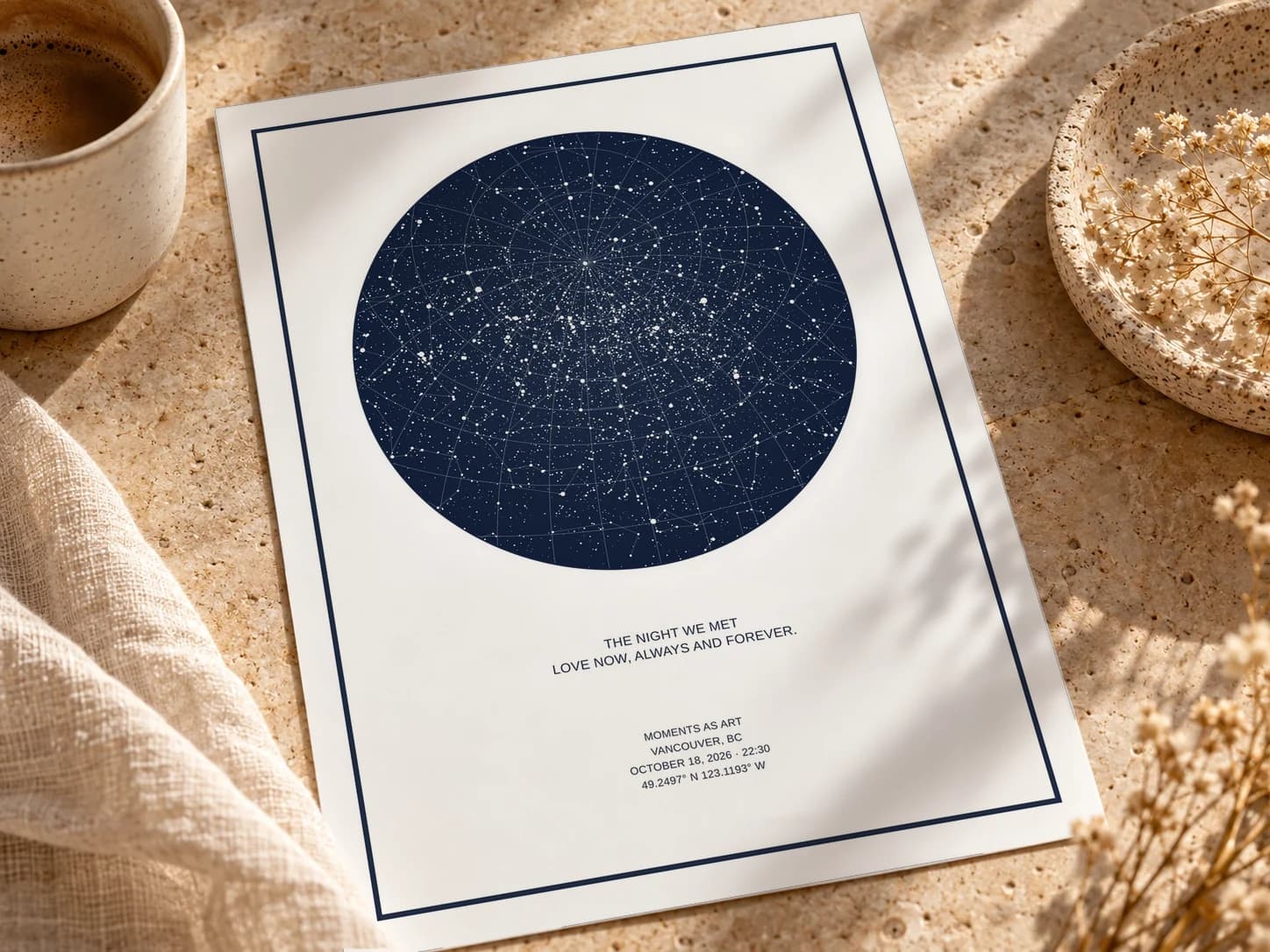
Start with the size your file was made for
Every file is a PNG made for one print size, and your order page says which, next to the download button: “sized for 18x24 in prints”, for example. Digital files are made for 18×24 inches, a standard frame size.
Print at that size or smaller and it will be sharp. What matters as you go smaller is the shape, the ratio of width to height, because a print shop has to fit the artwork onto its paper:
- Made for 18×24 (a 3:4 shape): prints without cropping at 18×24, 12×16 and 9×12.
- Made for 12×18 or 24×36 (a 2:3 shape): prints without cropping at 24×36, 16×24, 12×18, 8×12 and 4×6, up to the size the file was made for.
- Horizontal designs work the same way, with the sizes turned on their side: 24×18 rather than 18×24.
Going bigger than the file was made for spreads the same pixels over more paper, and fine stars and small lettering soften, so for the sharpest result stay at or below the size it was made for.
Printing on a different shape
Sizes like 8×10, 11×14, 16×20 or A3 have a different shape from your artwork. Ask the shop to fit the artwork to the paper rather than fill it. Fit keeps the whole design and leaves a strip of white on two sides, which you can trim or hide under a mat. Fill enlarges it until the paper is covered and cuts off the edges, which can take a border, a line of your text, or part of the sky with it.
Choose matte paper
We recommend matte. A star map or moon print is mostly a deep, dark sky, and on gloss that sky becomes a mirror for every lamp and window in the room. Matte paper keeps it rich and even from any angle, and keeps thin constellation lines and small lettering crisp.
- Matte photo paper is offered by most photo labs and is a good everyday choice.
- Fine art paper, sometimes called giclée or archival paper, is heavier, with a soft, slightly textured surface, and is usually printed with archival inks. It costs more and suits a gift or a print you mean to keep for years.
- Lustre or satin sits between matte and gloss, if matte isn’t on the list.
A screen glows and paper doesn’t, so dark navy and black skies always print a touch darker than they look on a phone. Two things help: switch off any automatic colour correction or “enhance” option, which is made for holiday photos rather than artwork, and if the shop offers it, order a small test print before the full size.
A local print shop or an online lab
Either can print your file well. They suit different people.
A local print shop
Copy and print shops, photo shops and framers who print can show you their papers, check the file with you before printing, and answer questions face to face. Bring the file on a USB stick or send it through their website, and ask whether they print at poster sizes in-house, since not every shop does.
An online photo lab
You upload the file, choose the size and paper, and the print is delivered. Online labs usually offer a wide range of sizes and papers, but you can’t see the paper first, so read each option’s description and look for the matte or fine art choice.
What to ask for, wherever you print
- the size your file was made for, or a smaller one of the same shape,
- matte or fine art paper,
- “fit”, not “fill”, if the paper is a different shape,
- no automatic colour correction or enhancement,
- and a small test print first, if they offer one.
Your file is a large PNG. If an uploader turns it away, save a copy as a JPEG at the highest quality setting and upload that. At print sizes the difference can’t be seen.
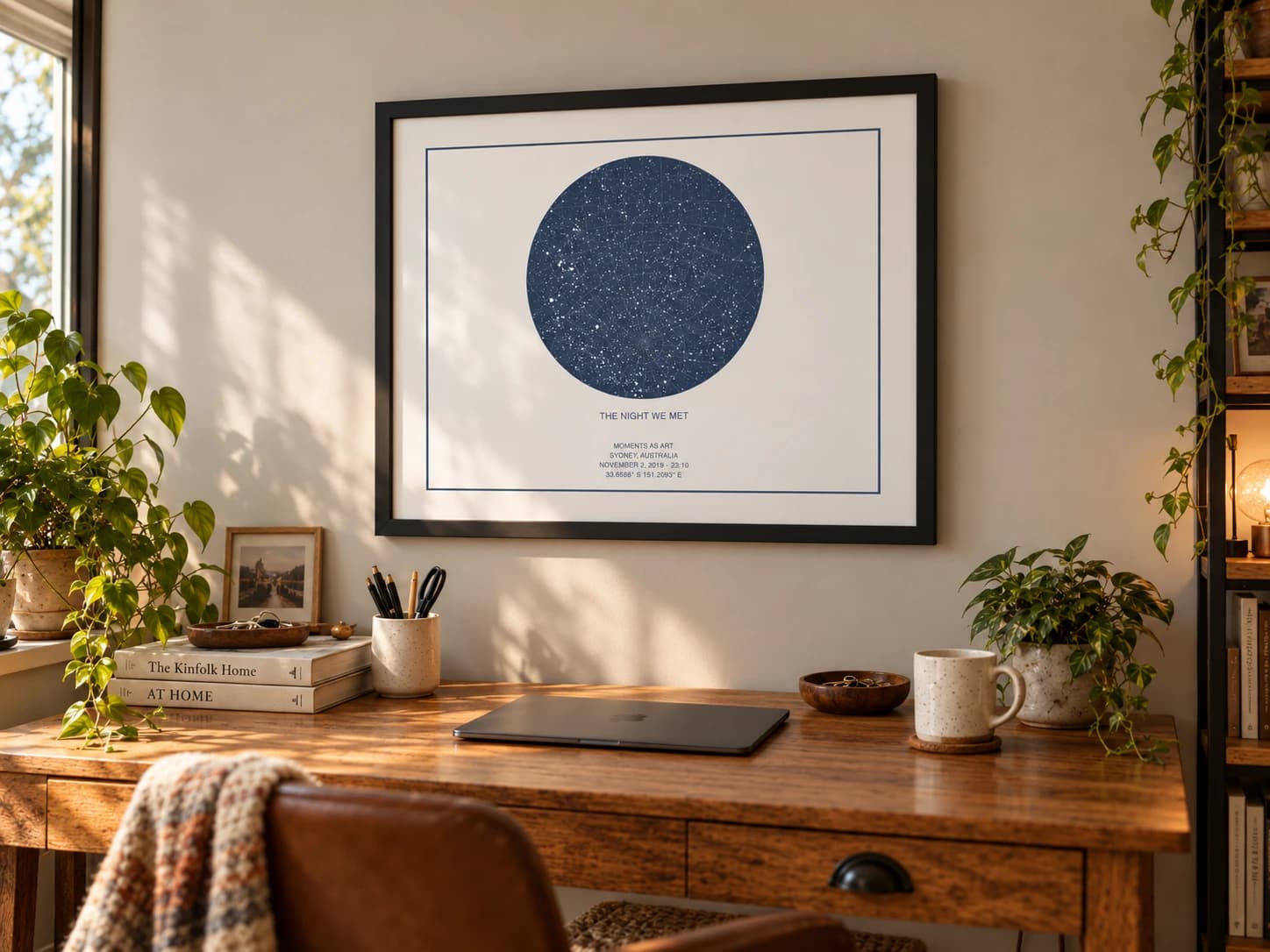
Framing it
18×24, 12×16, 9×12, 12×18 and 24×36 are all standard frame sizes, so a print at the size your file was made for will usually fit a ready-made frame.
- Without a mat, buy a frame the same size as the print.
- With a mat, buy a frame larger than the print, with a mat whose opening is a little smaller than the print so it overlaps the edges and holds it flat. The mat covers a sliver of each edge, so check nothing important sits right at the border of your design.
- Acrylic glazing is lighter and safer than glass for big frames and children’s rooms. Glass or acrylic with UV protection helps a print keep its colour.
- Keep it out of direct sun where you can. Strong daylight fades any print in time, however good the paper.
Printed and framed versions from us are coming soon. Until then, your file is ready for any shop.
Make another for someone you love
Choose a place and a night, and see the sky exactly as it was.
Design a star mapFree to design. You only pay when you’re happy with it.